Creating a relaxing home workspace is essential for maintaining focus and boosting productivity, especially as many people continue to work remotely or balance home and professional life. A well-designed workspace not only enhances your efficiency but also supports your overall well-being. In this article, we’ll explore practical tips to help you create a calming and productive home office environment.
Why a Relaxing Workspace Matters
Your workspace environment affects your mood, motivation, and ability to concentrate. A cluttered, uncomfortable, or noisy space can increase stress and reduce productivity. Conversely, a clean, organized, and inviting workspace fosters creativity and focus, helping you get more done with less fatigue.
Choosing the Right Location
The first step in creating your relaxing workspace is selecting the right spot in your home.
Consider Natural Light
Try to set up your workspace near a window where you can enjoy natural light. Natural light improves your mood, reduces eye strain, and helps regulate your sleep cycle, all of which contribute to better productivity.
Minimize Noise and Distractions
Pick a quiet corner or room where you can work without interruptions. If a separate room isn’t available, noise-canceling headphones or white noise machines can help block distractions.
Ergonomic Furniture for Comfort
Comfort is key to staying focused for longer periods.
Invest in a Good Chair
Select an ergonomic chair that supports your back and encourages good posture. Look for adjustable height, lumbar support, and comfortable cushioning.
Use a Suitable Desk
Your desk should be at a height that allows your forearms to rest parallel to the floor when typing. If space is limited, consider wall-mounted or foldable desks that don’t sacrifice comfort.
Keep Your Space Organized
A clutter-free workspace helps clear your mind and speeds up your workflow.
Declutter Regularly
Set aside time each week to clean and organize your space. Remove unnecessary items and keep only what you need close at hand.
Use Storage Solutions
Use shelves, drawers, or organizers to keep documents, supplies, and gadgets neatly arranged. Label containers to find things easily and avoid mess.
Incorporate Relaxing Elements
Adding calming touches to your workspace can reduce stress and make work more enjoyable.
Choose Soothing Colors
Colors like soft blues, greens, or neutrals tend to be calming. Use these colors in your walls, furniture, or accessories to create a tranquil atmosphere.
Add Plants
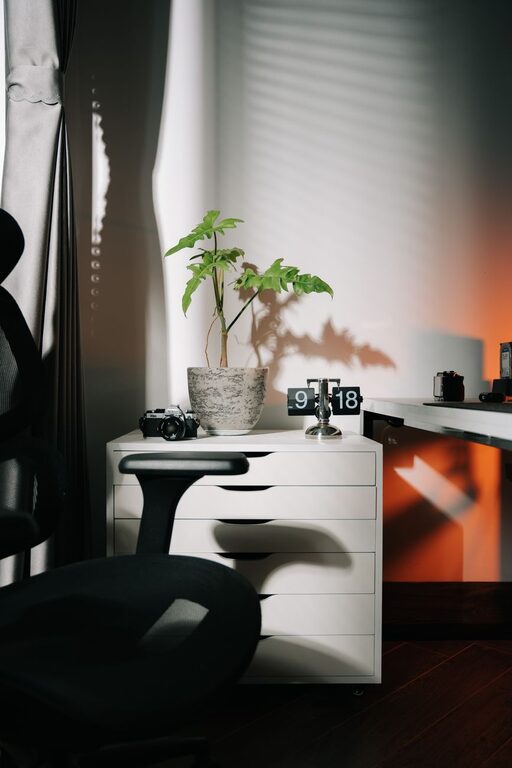
Indoor plants improve air quality and bring a touch of nature indoors. They can also boost your mood and reduce stress.
Personalize Thoughtfully
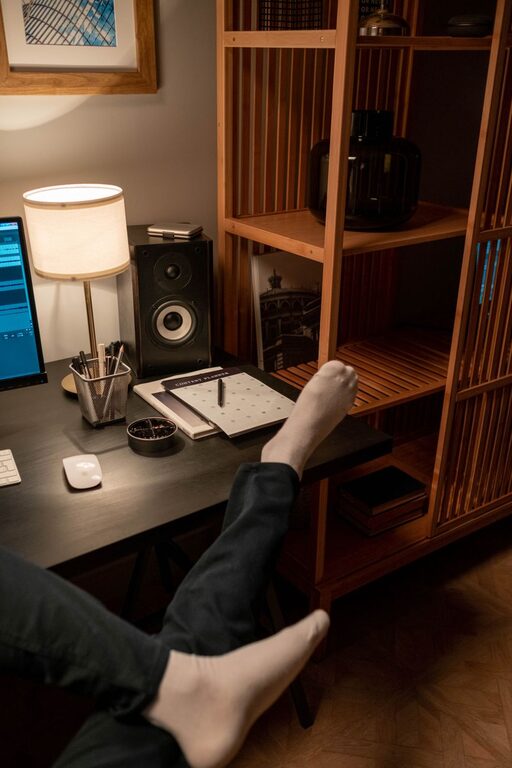
Add only a few personal items such as photos or artwork that inspire and make you feel comfortable without creating visual clutter.
Optimize Lighting
Good lighting is important to prevent eye strain and maintain alertness.
Combine Natural and Artificial Light
Balance sunlight with adjustable task lighting like desk lamps. Avoid harsh overhead lights that cause glare.
Use Warm Light Bulbs
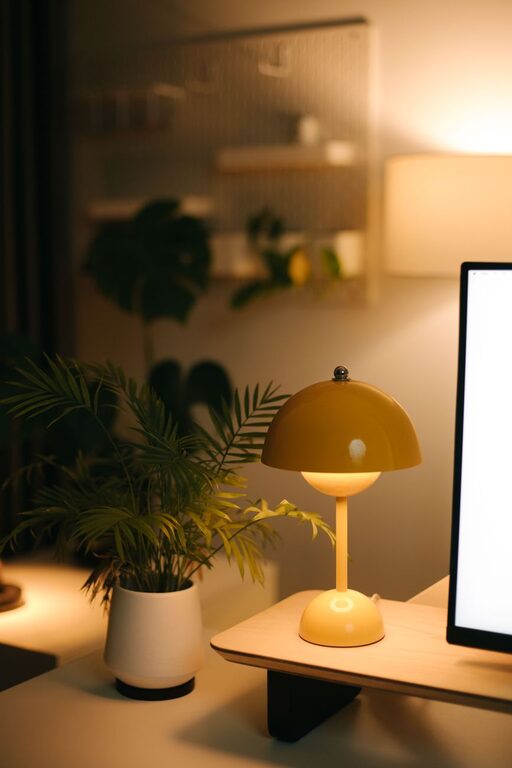
Warm white bulbs create a cozy environment that helps you stay calm and focused during work hours.
Manage Technology Wisely
Technology is essential but can also be a source of stress if not managed well.
Keep Cables Tidy
Use cable organizers or clips to keep wires under control and avoid tangles.
Set Boundaries for Devices
Turn off non-essential notifications and establish “tech-free” breaks to reduce digital overload.
Take Breaks and Move
Even the best workspace can’t replace the benefits of regular breaks.
Follow the 20-20-20 Rule
Every 20 minutes, look at something 20 feet away for at least 20 seconds to reduce eye strain.
Stretch and Move
Stand up, stretch, or take a short walk to refresh your body and mind throughout the day.
Final Thoughts
Creating a relaxing home workspace takes some thoughtful planning but pays off in improved productivity and well-being. By choosing the right location, prioritizing comfort, organizing effectively, and adding calming elements, you can design a space that supports your best work. Remember to listen to your needs and adjust your workspace as you go — the perfect setup is one that works for you.